

From Bananas to Breakthroughs: What Gemini 3 Unlocks
A Designer’s Hands-On Guide to Gemini 3 in Cursor & Replit, alongside a first look at Google’s Antigravity IDE

To quote Gwen Stefani, “this sh*t is bananas - B-A-N-A-N-A-S!”. That’s right, this week Google unveiled Gemini 3, their new image Nano Banana Pro and a slew of upgrades to their AI offerings that after playing with them will have you, bopping around your laptop like Ms. Stefani.
In this newsletter, I’m going to take you through some of the releases that have caught my eye, how I’ve been experimenting with them and talk about how you might leverage some of these tools in your work! Be warned, this newsletter contains 16 potential tabs.
Antigravity
First up, in this week’s release Google launched their IDE - Antigravity. I was excited when I first heard about this product because just like my current favorite vibe coding tool (Cursor), it is a fork of Visual Studio which I think removes some of the learning curve.
I’ve been immediately impressed with Antigravity, from a design perspective. The onboarding feels more polished, intentional, and catered towards less technical audiences. I love how they’ve integrated their planning mode into main task agent - it feels less like an optional mode (e.g. Cursor) but an integral part of the coding experience. Antigravity creates a collaborative task document that enables you to add comments and forms a task checklist that feels like a central part of the product and your workflow vs. an optional file that can get buried in complex file structures. It feels like an incredibly thoughtful product. I’m excited to see these IDEs refine workflows and rethink coding in an AI / Agentic world that brings with it a wider variety of working styles. Now let’s get coding! (Try Antigravity yourself)
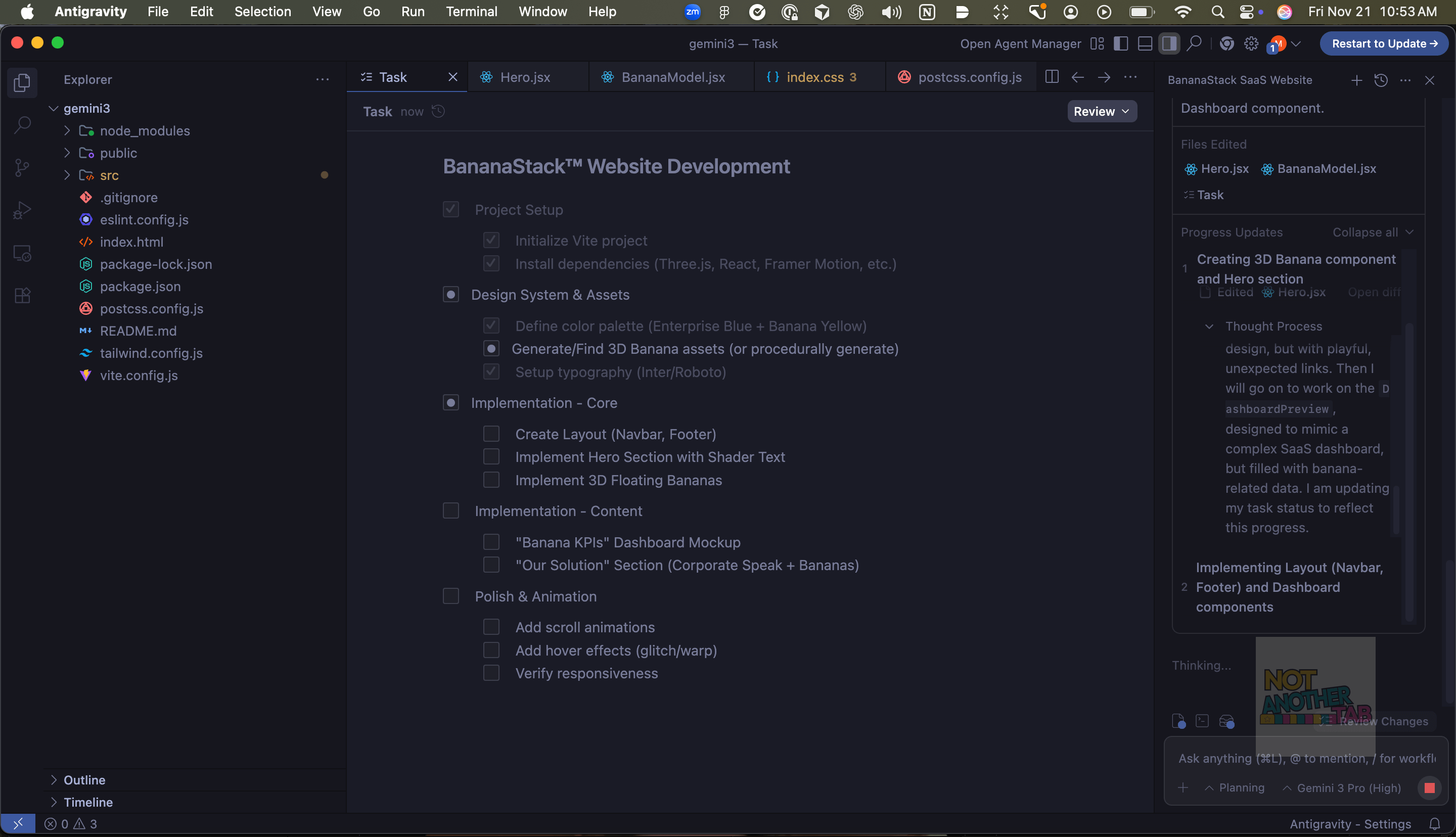
Coding With Gemini 3
So to test out Antigravity, I of course would be remiss to not leverage the latest version of Gemini. Just like other IDEs, you can actually select some preferred model from GPT to Claude Sonnet 4.5 - I suspect that support will expand as Antigravity gets more popular. To test out Gemini, I created a prompt that contained:
Design a hyper-polished, overly serious B2B SaaS website for a fictional enterprise platform called BananaStack™, a next-gen solution that helps global organizations “optimize their digital bananas at scale.” (To see the full prompt and access this demo, you can find it on my github).
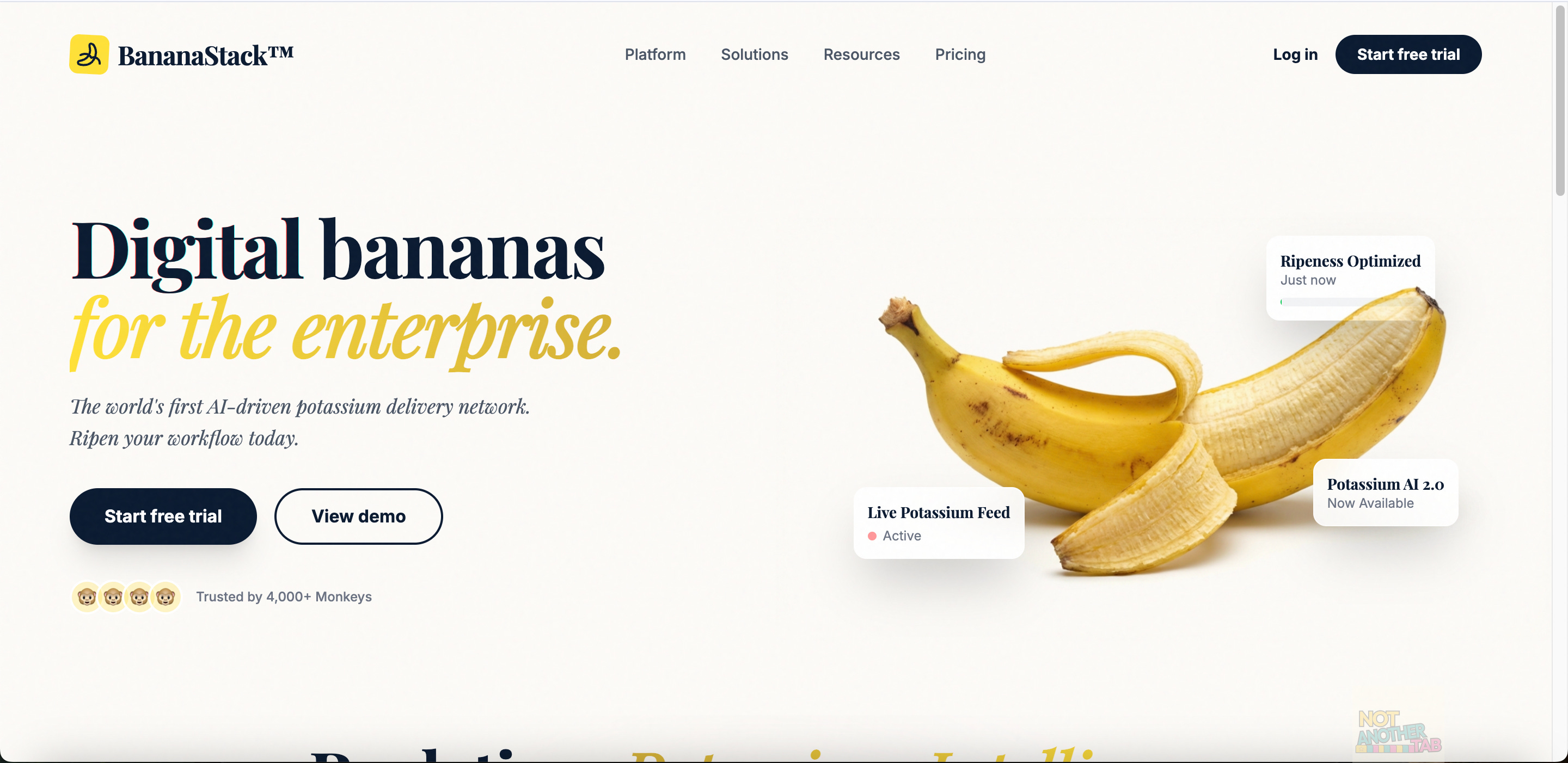
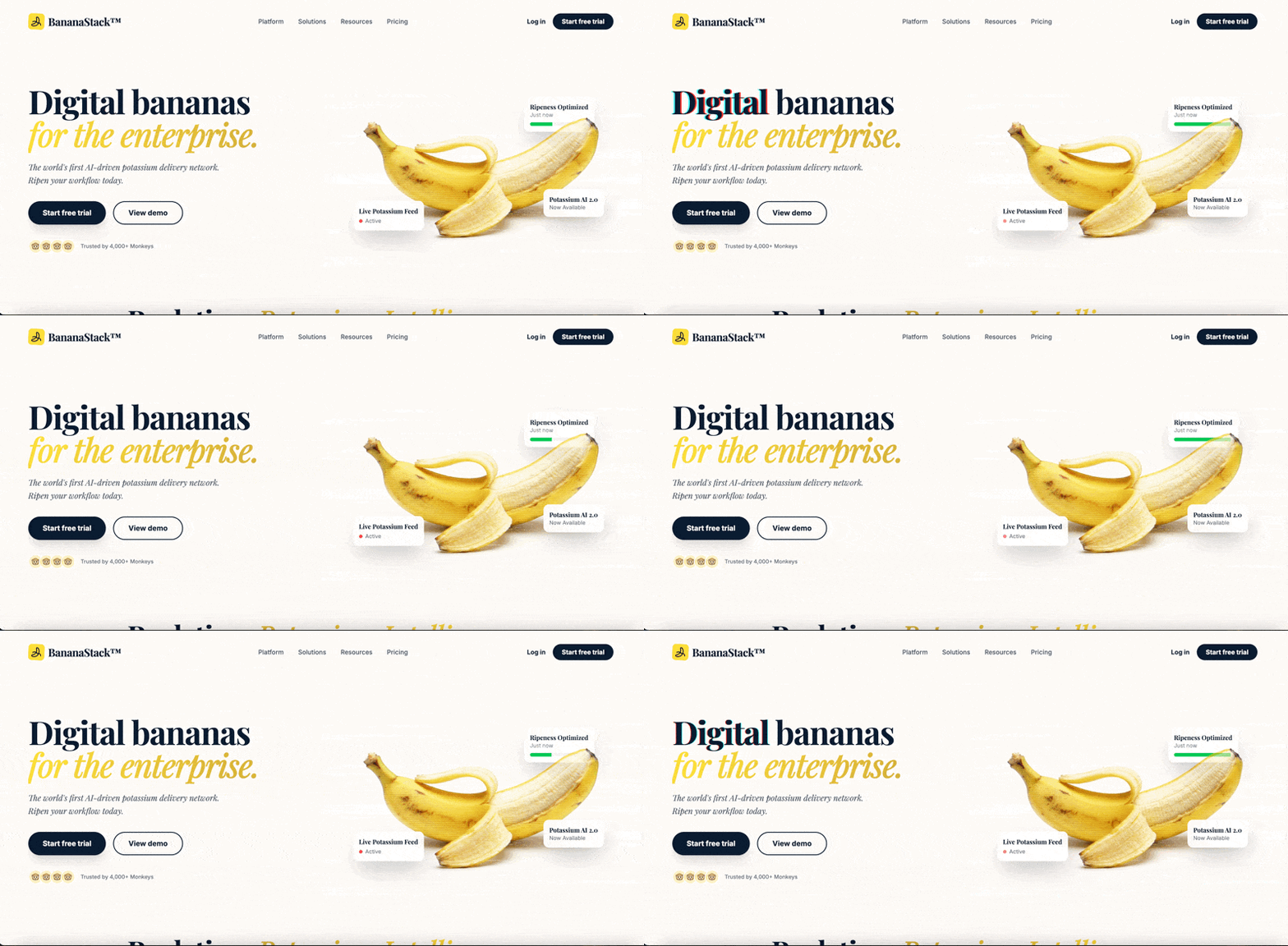
After a few additional prompts to refine the direction of this site, the results have been impressive! Gemini 3 very clearly has some visual taste without a purple gradient in sight! Not only did it do an excellent job of visual layout and following my prompts - it excelled in creating brand assets, images and even animation!
What was particularly impressive to me was the ability to create visual prompts. I could add arrows to parts of the layout that I wanted changes to and Gemini 3 was able to make the changes:
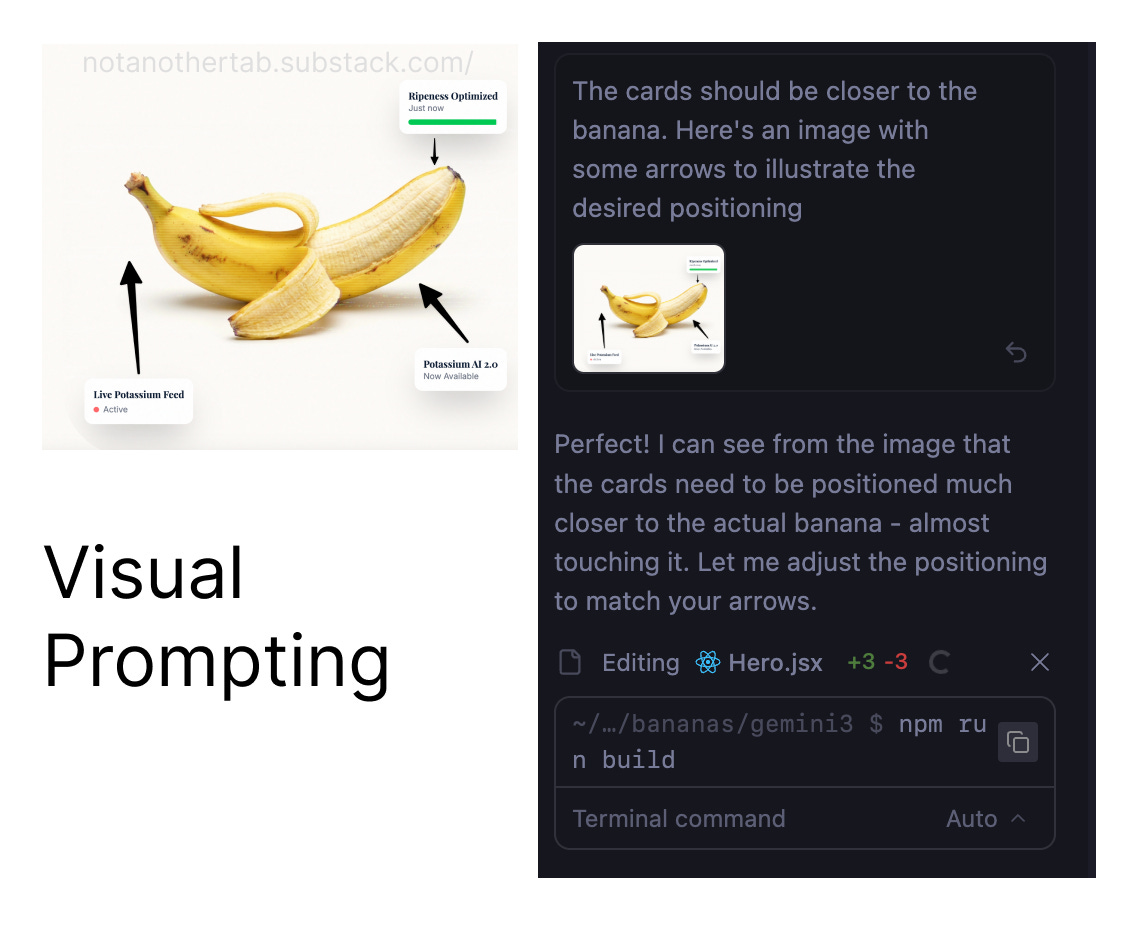
As a designer, this interaction model feels like an entirely new way to collaborate with AI that feels empowering - more intuitive and visual, closer to how we might interact with a human. I’m really excited. Seeing how good Gemini 3 was within Google’s own IDE, I wanted to test out the animation abilities in some of my other favorite tools.
Replit
If you haven’t used Replit before, I highly recommend checking it out - in fact here’s $10 in credits to try it out. I was excited to dive back into Replit as I had seen they recently launched a Design Mode - a mode that is powered by Gemini 3.
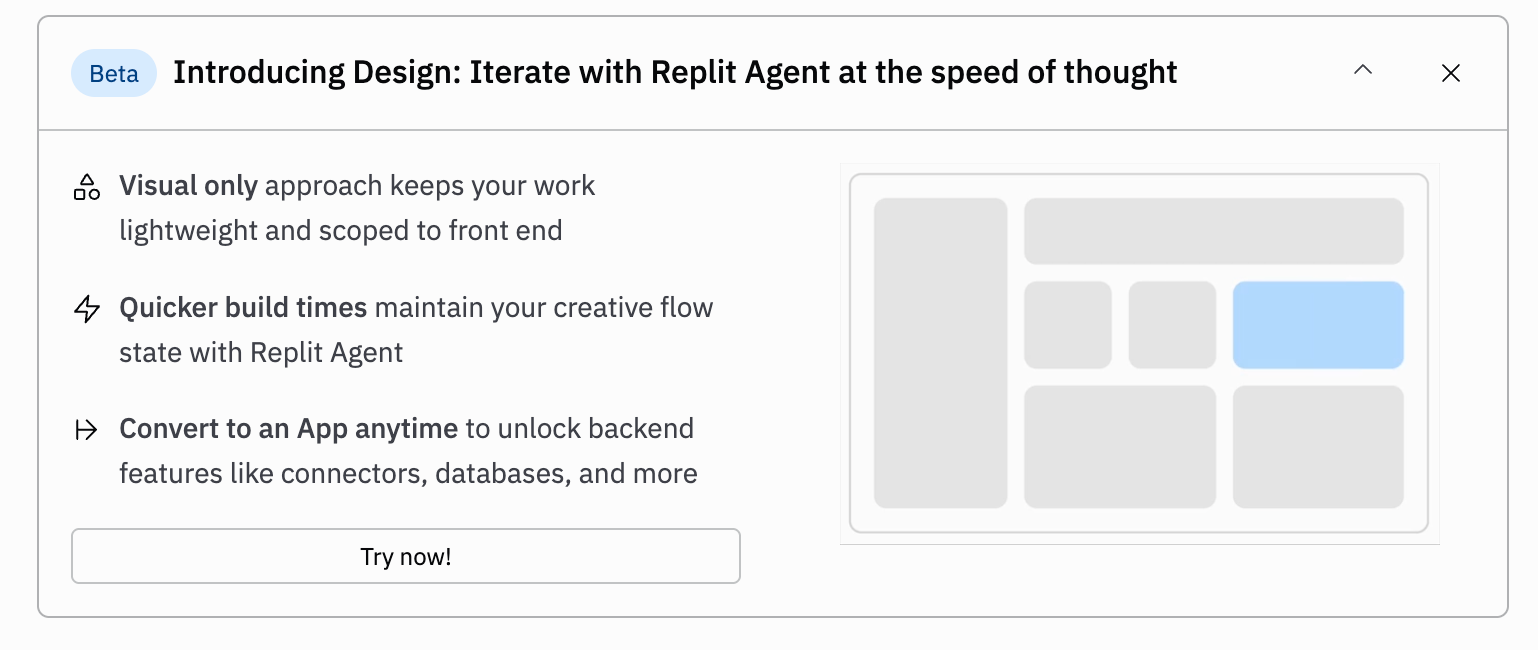
To test it out, I used a prompt that contained:
Design a retro arcade ‘Choose Your Fighter’ screen inspired by Pac-Man and classic 8-bit games, featuring four quirky banana characters displayed in a looping pixelated 3D carousel. Each banana fighter is rendered in chunky pixel art with bold arcade colors. Playful, nostalgic, crunchy pixel art with a Pac-Man / arcade-era charm. (To see the full prompt and access this demo you can find it on my github)
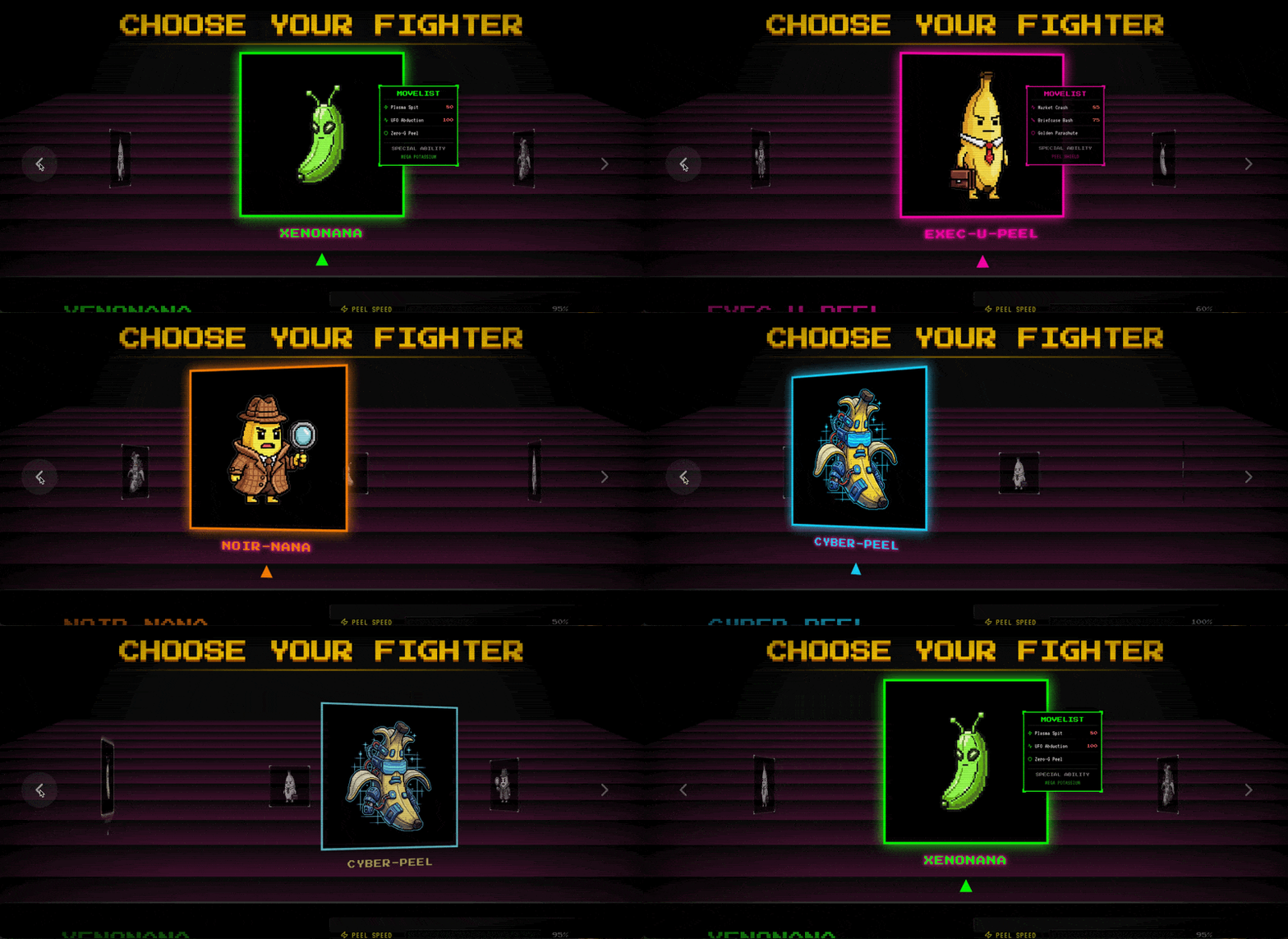
You can play with the full site here. What is impressive about Gemini 3 is its ability to handle complex motions. It leveraged Framer Motion to enable the physics and choreograph between the various components in this fighter selection screen. What’s even more impressive is that it generated the fighter image assets, handled this animation and built out this site in a surprisingly short time.
Cursor
For my final coding experiment, I jumped into Cursor to use Gemini 3. This is where my success with Gemini started to fall apart. I had a vision to create a website for a library with a complex book selection animation using GSAP but Gemini 3 struggled to follow instructions clearly within Cursor. I encountered unexpected behavior and overly confident (but clearly wrong) hallucinations.
To still test it out, I found an animation style I wanted, created by Jean Mazouni and shared on their github. I used this animation to build out the banana archives as demoed below:
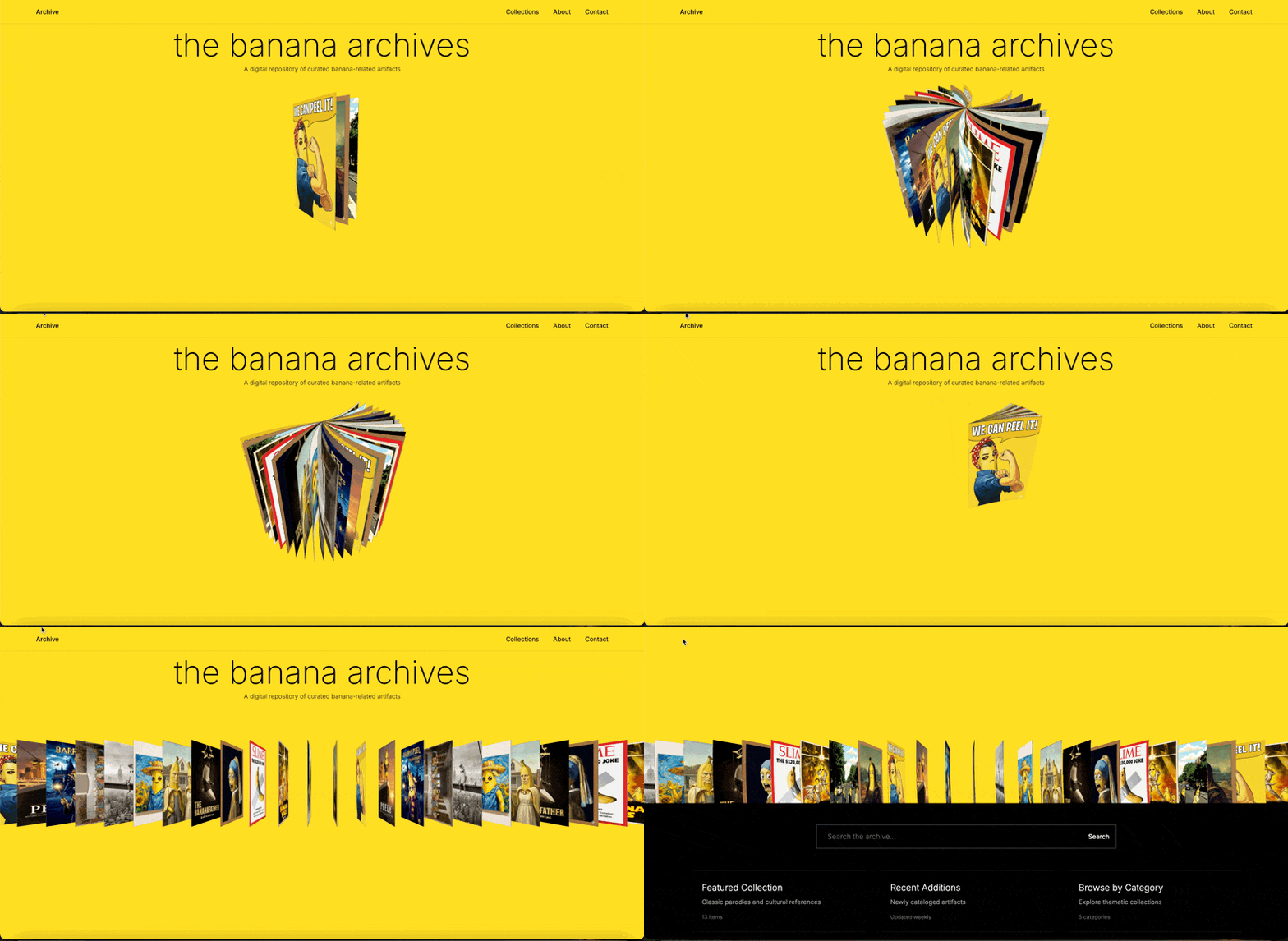
Some Recent Finds (Human Curated) ❤️
Nano Banana Image Generator - Many of the assets in today’s newsletter were generated via Nano Banana. If you don’t have access to Gemini, I highly recommend checking out this simple image generator that the team at Vercel put together.
Lovable Prompt Library: If you’re a Lovable lover then you might find this directory of useful prompts perfect for your next project. Discovered via the Design + AI newsletter (you should subscribe!) by Felix Haas.
Animation Inspiration: Looking to brush up your UI animation game? This library compiled by Manoela Ilic is the perfect hub for creative patterns, animations and inspiration (This is where I discovered Jean’s carousel mentioned in the Cursor demo)
The AI Gold Rush: I recently came across this essay that talks about the shift away from flashy AI demos to the environments and feedback loops that help AI learn real tasks step by step.